 Reviewland
6 apps · Ranking
Photo vault apps with a backup, so you don't lose them on a new iPhone
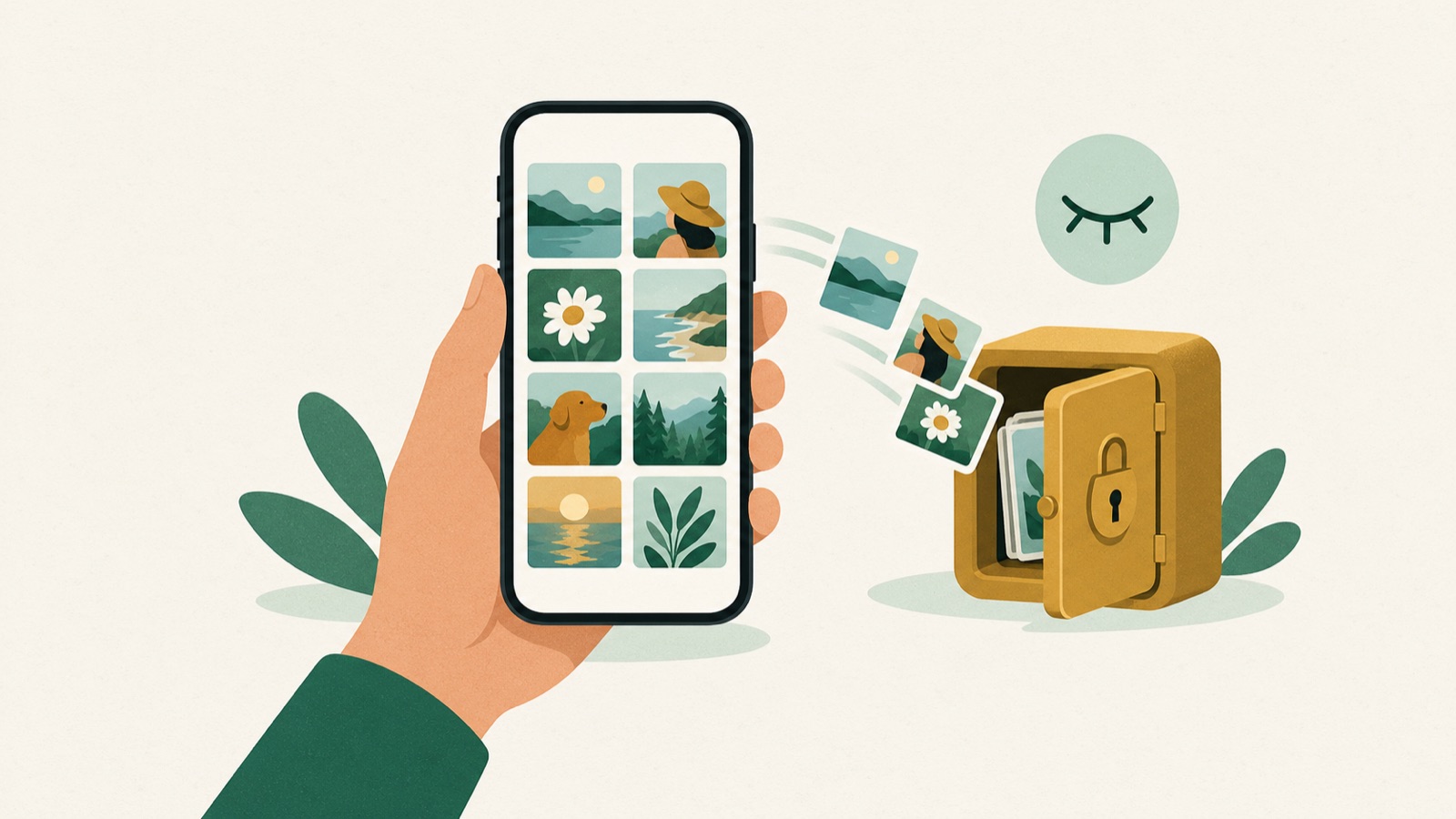
A photo vault keeps its photos inside the app, so if the app has no backup, deleting it or losing the phone can lose them. Before you switch iPhones, check where your vault backs up. For an automatic backup in the company's cloud, Private Photo Vault (Cloud Vault, paid) or Keepsafe (Private Cloud). For Dropbox or Google Drive, PV or Calculator#. For a backup in your own iCloud that only you can open, Photo Vault or Converter.
In almost all of them the backup is a paid feature. Turn it on, or export the vault, before you reset or trade in the old phone.
At a glance
| App | Price (US) | Where the backup goes, per listing | Who holds it | App Store privacy label | Version (date) | Rating (US) |
|---|---|---|---|---|---|---|
| Private Photo Vault - Pic Safe | Premium from $6.99 to $39.99; Upgrade $39.99 | Cloud Vault: encrypted backup (paid) | The company's cloud, locked with your own Cloud Vault password | Data Used to Track You; Data Linked to You | 26.0 (2 Nov 2026) | 4.8 (1,018,948 ratings) |
| Secret Photo Vault: Keepsafe | Premium $4.99 to $35.99 (yearly $23.99, monthly $9.99) | Private Cloud, up to 10,000 items; syncs to your other installs | The company's cloud | Data Used to Track You; Data Not Linked to You | 13.35.0 (26 Oct 2026) | 4.8 (385,566 ratings) |
| PV - Secret Photo Album | Auto cloud backup 20 GB $12.99 or 100 GB $49.99 a year; Super Member 20 GB $29.99 or 100 GB $79.99 a year; Pro $17.99 a year | PV cloud (paid), or Dropbox, Google Drive, Box or OneDrive with Pro | The company's cloud, or a cloud service you choose | Data Used to Track You; Data Linked to You; Data Not Linked to You | 7.7.9 (26 Oct 2026) | 4.7 (30,300 ratings) |
| Photo Vault: Hide Pics Video | Premium $19.99 or $29.99 a year; lifetime $14.99 or $29.99 | Your own iCloud, end-to-end encrypted (Premium); or an encrypted backup file | You: your own iCloud or a file you keep | Data Not Collected | 1.3.1 (1 Nov 2026) | 4.2 (6 ratings) |
| Converter: Hidden Photo Vault | One-time: Full Access $19.99 (offers at $9.99 and $14.99) | Your own iCloud, encrypted | You: your own iCloud | Data Not Collected | 3.0.7 (2 Dec 2025) | 4.9 (3,657 ratings) |
| Calculator# Hide Photos Videos | Free with ads and limits; $4.99 a year | iCloud, Dropbox, Google Drive or OneDrive | A cloud service you choose | Data Used to Track You; Data Not Linked to You | 3.4.13 (30 Oct 2026) | 4.4 (28,939 ratings) |
All six are free to download; prices are in-app purchases on each US App Store page on 4 November 2026 (pages list only some). Backup details are what each listing says; we did not test a restore.
Private Photo Vault - Pic Safe
Best for: an automatic, encrypted backup from the best-known vault.
- Its listing says Cloud Vault is an encrypted backup with a separate Cloud Vault password, and that its staff cannot view your photos.
- Space Saver keeps originals in the cloud; about 1 million ratings.
Limits: its listing says the free version does not back up to Cloud Vault, so on the free version a lost phone means lost photos.
Secret Photo Vault: Keepsafe
Best for: the same vault on several devices, synced automatically.
- Its listing says Private Cloud stores up to 10,000 items and syncs to all your Keepsafe installations on any platform.
- Trash recovery for photos deleted by mistake.
Limits: the cloud is Keepsafe's, and the 10,000-item limit is in the listing.
PV - Secret Photo Album
Best for: choosing between its own cloud and Dropbox or Google Drive.
- Its listing offers cloud sync for Super members and third-party cloud backup for Pro members, plus Wi-Fi transfer to a computer.
- Its listing warns that if you delete the app without a backup, the photos are gone.
Limits: every backup option is paid, and the plans are many; its privacy label is the widest here.
Photo Vault: Hide Pics Video
Best for: a backup only you can open, in your own iCloud, with no account.
- Its listing says the optional iCloud copy is end-to-end encrypted and lives in your own iCloud; to move to a new iPhone you turn it on and restore.
- Or export the whole vault to one password-locked file in Files, on a computer or in iCloud Drive.
- The vault is left out of regular iCloud backups, per its listing; no account and no server.
Limits: the iCloud copy needs Premium, and without it or an exported file there is no backup; only 6 ratings.
Converter: Hidden Photo Vault
Best for: your own iCloud with no subscription.
- Its listing says files are encrypted and kept on the phone and in your own iCloud, opened only with your password.
- Paid once; the vault hides inside a currency converter.
Limits: English only, needs iOS 18.2, and its last update was in December 2025.
Calculator# Hide Photos Videos
Best for: backing up to the cloud you already use, for little money.
- Its listing says you can back up locked data to iCloud, Dropbox, Google Drive or OneDrive.
- Also hides notes, passwords and contacts behind a calculator.
Limits: the listing does not say whether the backup is encrypted, and the free version has ads.
Who should use what
- Automatic backup, best-known app: Private Photo Vault.
- The same vault on several devices: Keepsafe.
- Dropbox or Google Drive: PV or Calculator#.
- Your own iCloud, no account, only you can open it: Photo Vault.
- Your own iCloud, paid once: Converter.
Use cases
- You are getting a new iPhone next week: turn on the backup or export the vault on the old phone first, then restore on the new one.
- You don't want your private photos on a company's server: Photo Vault or Converter keep the copy in your own iCloud.
- You only need photos out of your camera roll: iOS's locked Hidden album syncs with iCloud Photos; see apps to hide photos.
How we checked
On 4 November 2026 we read each app's US App Store page and Apple's lookup data. An app is here only if its listing says where the vault is backed up or synced, and it was updated in the last 12 months. We did not test a backup or a restore.
Order: first the backups that run by themselves, then the ones you control. See also photo vaults that collect no data and Calculator# alternatives.
Frequently asked questions
Do photo vault apps back up to iCloud?
Some do. Photo Vault and Converter keep an encrypted copy in your own iCloud, and Calculator# can back up to iCloud, Dropbox, Google Drive or OneDrive. Private Photo Vault and Keepsafe use their own cloud.
Will I lose my vault photos when I get a new iPhone?
You can, if the vault has no backup. Turn on the app's backup or export the vault before you reset the old phone, then restore on the new one.
Is the backup free?
Mostly not. Private Photo Vault's listing says the free version does not back up; PV's backups are paid plans; Photo Vault's iCloud copy needs Premium; Converter is a one-time purchase.
Which vault backup can only I open?
Photo Vault's iCloud copy is end-to-end encrypted in your own iCloud, and Converter's files are encrypted in your iCloud, per their listings. Private Photo Vault's Cloud Vault uses a separate password.
Related rankings
- Best apps to hide photos on iPhone in 2026
- Private Photo Vault alternatives for iPhone in 2026
- Best photo vault apps with no data collection for iPhone in 2026
Sources
- Private Photo Vault - Pic Safe (App Store): https://apps.apple.com/us/app/id417571834 (4 November 2026)
- Secret Photo Vault: Keepsafe (App Store): https://apps.apple.com/us/app/id510873505 (4 November 2026)
- PV - Secret Photo Album (App Store): https://apps.apple.com/us/app/id867586326 (4 November 2026)
- Photo Vault: Hide Pics Video (App Store): https://apps.apple.com/us/app/id1532670722 (4 November 2026)
- Converter: Hidden Photo Vault (App Store): https://apps.apple.com/us/app/id1536734125 (4 November 2026)
- Calculator# Hide Photos Videos (App Store): https://apps.apple.com/us/app/id1165276801 (4 November 2026)
- Apple: Hide photos and videos on iPhone: https://support.apple.com/en-us/104987 (4 November 2026)