 Reviewland
7 apps · Ranking
Best apps to hide photos on iPhone in 2026
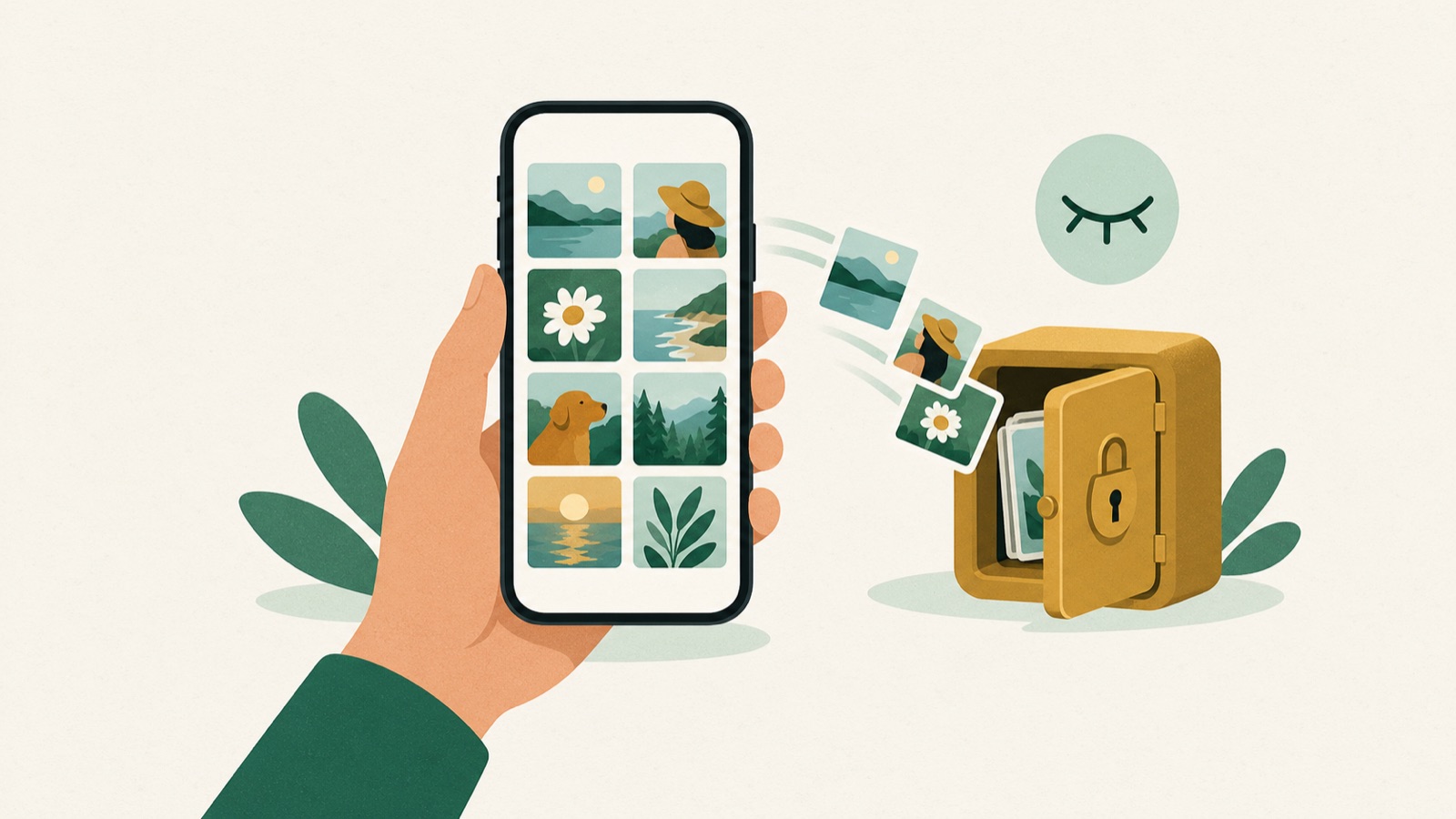
To hide photos on iPhone without an account or a cloud copy, use a vault app that stores them only on the phone: Photo Vault (ours) and Safe Lock both have the App Store privacy label Data Not Collected. If you just want a few photos out of the main grid, the free Hidden album in Apple's Photos app is locked with Face ID, but it syncs to your other devices through iCloud Photos.
If you want an online backup of the vault, Private Photo Vault and Keepsafe offer encrypted cloud storage as a paid option, and both show Data Used to Track You on their privacy labels.
At a glance
| App | Price (US) | Account or cloud | App Store privacy label | Disguise | Version (date) | Rating (US) |
|---|---|---|---|---|---|---|
| Photo Vault: Hide Pics Video Our app | Free for 1 item; Premium $19.99 or $29.99 a year; lifetime $59.99 | No account, no cloud | Data Not Collected | Icon can look like Calculator, Notes or Weather | 1.2.8 (13 Oct 2026) | 4.2 (6 ratings) |
| Hidden album in Apple Photos | Free, built in | Syncs with iCloud Photos if it is on | n/a (part of iOS) | Album can be hidden from the sidebar | iOS 16 and later | n/a |
| Private Photo Vault - Pic Safe | In-app purchases from $6.99 to $39.99 | Optional encrypted Cloud Vault (needs its own password) | Data Used to Track You; Data Linked to You | Decoy password | 25.8 (17 Sep 2026) | 4.8 (1,016,855 ratings) |
| Secret Photo Vault: Keepsafe | Premium $9.99 a month or $23.99 a year; other plans up to $35.99 | Syncs across your Keepsafe installs; Private Cloud with Premium | Data Used to Track You; Data Not Linked to You | Not stated | 13.33.0 (29 Sep 2026) | 4.8 (384,216 ratings) |
| Safe Lock - Hidden Photo Vault | Premium $4.99, $19.99 or $29.99 | On the device; Wi-Fi transfer | Data Not Collected | App icon can be changed | 3.1 (17 Aug 2026) | 4.8 (24,834 ratings) |
| Calculator# Hide Photos Videos | Yearly $4.99; feature pack $4.99 | Backup to iCloud, Dropbox, Google Drive or OneDrive | Data Used to Track You; Data Not Linked to You | Looks and works like a calculator | 3.4.12 (29 Jul 2026) | 4.4 (28,907 ratings) |
| Privault - Private Photo Vault | Pro $3.49 a month, $24.99 a year or $45.99 once; remove ads $2.99 | On the device | Data Used to Track You; Data Linked to You | Keypad-style lock screen | 10.2 (28 Feb 2025) | 4.7 (76,592 ratings) |
Prices are the in-app purchases listed on each App Store page in the US on 11 October 2026; all of them are free to download. Ratings are the App Store average and number of ratings on that day. The row for our own app was updated on 16 October 2026.
Photo Vault: Hide Pics Video Our app
Best for: people who want photos only on their iPhone, with no account and nothing uploaded.
- Opens with Face ID, Touch ID or a passcode, and each album can have its own password.
- Private Camera takes photos straight into the vault, so they never reach the camera roll.
- Face-down exit: turning the phone over switches to Safari, Calendar or Messages.
- The vault is left out of iCloud backups. To move it to a new iPhone you export one encrypted, password-locked file and restore it.
- Works offline. 19 languages. Needs iOS 17 or later; 17 MB.
Limits: the free version holds only 1 photo or video, so in practice it is a paid app. It has only 6 ratings in the US so far. There is no automatic backup: if you delete the app without exporting a backup, the vault is gone.
Private Photo Vault - Pic Safe
Best for: people who want a long-established vault with an optional cloud backup.
- PIN or pattern lock for the app, password-protected albums, decoy password and face-down lock.
- Break-in report with photo and GPS of whoever tries to get in.
- Built-in private browser, Wi-Fi transfer, and Cloud Vault encrypted backup.
- 11 languages, iOS 15 or later, 172 MB. Rated 17+.
Limits: its privacy label says it collects data used to track you. Cloud backup is a paid feature.
Secret Photo Vault: Keepsafe
Best for: people who want the vault on several devices, including Android.
- PIN and Touch ID lock, custom albums and a camera that saves straight into Keepsafe.
- Safe Send to share a photo for a limited time.
- Premium adds a PIN per album, Private Cloud for up to 10,000 items and Space Saver.
- 15 languages, iOS 15 or later, 208 MB.
Limits: the cloud and per-album PIN need Premium, and the privacy label says it collects data used to track you.
Safe Lock - Hidden Photo Vault
Best for: a local vault from a developer that, like ours, declares no data collected.
- PIN, pattern, numeric or alphabetic password, Touch ID and Face ID.
- Hidden camera inside the app, secret folders for photos, videos and notes.
- The developer says photos and videos are saved only on your device.
- 13 languages, iOS 12 or later, 69 MB.
Limits: the listing does not describe an encrypted export for moving to a new iPhone.
Calculator# Hide Photos Videos
Best for: people who want the vault to look like a working calculator and also hide documents, notes and passwords.
- Can delete photos from the main library after moving them in (optional).
- Also stores documents, audio, notes, passwords, contacts and to-dos.
- Panic switch, disguise mode and break-in monitoring.
- 6 languages, iOS 15 or later, 75 MB. Rated 17+.
Limits: lowest rating in this list (4.4), and its privacy label says it collects data used to track you.
Privault - Private Photo Vault
Best for: people who need a second passcode that opens a different, harmless folder.
- Primary passcode, secondary passcode for a decoy space, and an erase-all passcode.
- Video player that the developer says opens about 150 media formats.
- 12 languages, iOS 11 or later, 91 MB.
Limits: last updated on 28 February 2025, over a year and a half before this check, and it shows ads unless you pay.
Who should use what
- Nothing should leave the phone: Photo Vault (ours) or Safe Lock. Both declare Data Not Collected.
- You want a backup online: Private Photo Vault (Cloud Vault) or Keepsafe (Private Cloud), both paid.
- You also use Android: Keepsafe, which syncs between its installs.
- You only want a few photos off the main grid: the Hidden album in Photos, free and already on your iPhone.
- You want the app to look like something else: Calculator# (a working calculator) or Photo Vault (Calculator, Notes or Weather icon).
Use cases
- Copies of your passport, ID or cards that should not appear when you show someone your camera roll.
- Private photos you do not want synced to a shared or family iCloud account.
- Lending your phone to a child or friend without them scrolling into personal pictures.
- Taking a photo that should never be in the camera roll at all (Photo Vault's Private Camera, Safe Lock's hidden camera, Keepsafe's camera).
How we checked
On 11 October 2026 we read each app's US App Store page and Apple's lookup data: price list of in-app purchases, version and release date, rating and number of ratings, languages, size, minimum iOS and the privacy label. Features are the ones each developer lists on its App Store page. We did not invent ratings or reviews.
We picked the apps that appear at the top of App Store search for "hide photos" and "photo vault" in the US, plus Apple's own Hidden album.
Frequently asked questions
Is the Hidden album on iPhone safe enough?
It is locked with Face ID, Touch ID or the phone passcode since iOS 16, so it stops casual browsing. Anyone who knows your passcode can open it, and the photos still sync through iCloud Photos to your other devices.
Which photo vault apps do not upload my photos?
Photo Vault and Safe Lock keep photos on the iPhone and both have the App Store privacy label Data Not Collected. Private Photo Vault and Keepsafe offer optional cloud storage.
Can I hide photos on iPhone without iCloud?
Yes. A local vault such as Photo Vault keeps the photos on the device, leaves the vault out of iCloud backups and opens without internet.
What happens to hidden photos if I delete the vault app?
With a local vault the photos are deleted with the app unless you exported a backup first. Photo Vault exports one encrypted, password-locked file you can keep in Files or on a computer.
Is there a free app to hide photos on iPhone?
The Hidden album in Photos is free. All the vault apps here are free to download, but their extra features are paid, and Photo Vault's free version holds only one item.
How do I move a photo vault to a new iPhone?
In Photo Vault, export an encrypted backup in Settings and restore it on the new iPhone. Apps with a cloud vault, such as Keepsafe or Private Photo Vault, restore from their cloud after you sign in.
Sources
- Apple Support, Hide photos with the Hidden album: https://support.apple.com/en-us/104987 (11 October 2026)
- Photo Vault (App Store): https://apps.apple.com/us/app/id1532670722 (11 October 2026)
- Private Photo Vault - Pic Safe (App Store): https://apps.apple.com/us/app/id417571834 (11 October 2026)
- Keepsafe (App Store): https://apps.apple.com/us/app/id510873505 (11 October 2026)
- Safe Lock (App Store): https://apps.apple.com/us/app/id1195429570 (11 October 2026)
- Calculator# Hide Photos Videos (App Store): https://apps.apple.com/us/app/id1165276801 (11 October 2026)
- Privault (App Store): https://apps.apple.com/us/app/id1186436980 (11 October 2026)